lo(number_images)array[100, 64, 64, 3] n=1228800 x∈[0., 1.000] μ=0.784 σ=0.171lo(number_images)array[100, 64, 64, 3] n=1228800 x∈[0., 1.000] μ=0.784 σ=0.171# number_images[10].rgb(cl=True)t = number_imagesn_images = t.shape[0]
n_channels = t.shape[-1]
xy_shape = t.shape[1:3]
n_rows, n_cols = fit_columns(t, view_width=966)# We need to form the images inro a rectangular area. For this, we might
# need to add some dummy images to the last row, whoch might be not be full.
n_extra_images = n_rows*n_cols - t.shape[0]
if n_extra_images:
extra_images = np.ones((n_extra_images, *t.shape[1:]))
# extra_images = torch.ones((n_extra_images, *t.shape[1:]))
t = np.concatenate([ t, extra_images ])lo(t)array[104, 64, 64, 3] n=1277952 x∈[0., 1.000] μ=0.792 σ=0.173# This is where the fun begins! Imagine 't' is tensor[20, 128, 128, 3].
# and we want 5 rows, 4 columns each.
t = t.reshape(n_rows, n_cols, *t.shape[-3:])
# Now t is tensor[5, 4, 128, 128, 3]
t = t.transpose(0, 2, 1, 3, 4)
# now t is tensor[5, 128, 4, 128, 3]
# If we just squick dimensions 0,1 and 2,3 togerther, we get the image we want.
t = t.reshape(n_rows*xy_shape[0], n_cols*xy_shape[1], n_channels)lo(t).rgb(cl=1)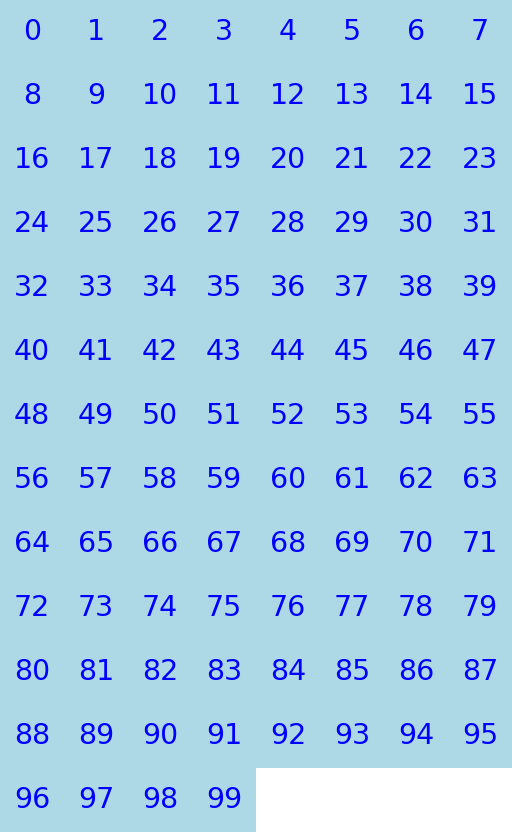
def tile2d(
    t:ndarray, # Array containing images, shape=(n,h,w,c)
    view_width:int=966, # Try to protuce an images at most this wide
):
Tile images in a grid.
lo(tile2d(number_images[:17]))array[192, 512, 3] n=294912 x∈[0., 1.000] μ=0.852 σ=0.160lo(tile2d(number_images[:16])).rgb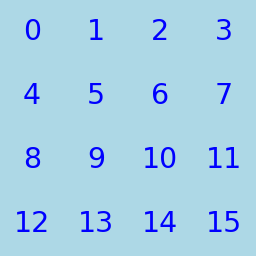
Combine with utils.pad.pad_frame_gutters to make it look better
lo(tile2d(pad_frame_gutters(number_images[:16]), view_width=1200)).rgb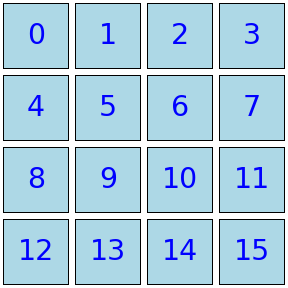
def hypertile(
    t:ndarray, # torch.Tensor, # input tensor, shape=([...], B, H, W, C)
    frame_px:int=1, # Frame width for the innermost group
    gutter_px:int=3, # Gutter width for the innermost group
    view_width:int=966, # Try to protuce an images at most this wide
):
Recursively tile images on a 2d grid
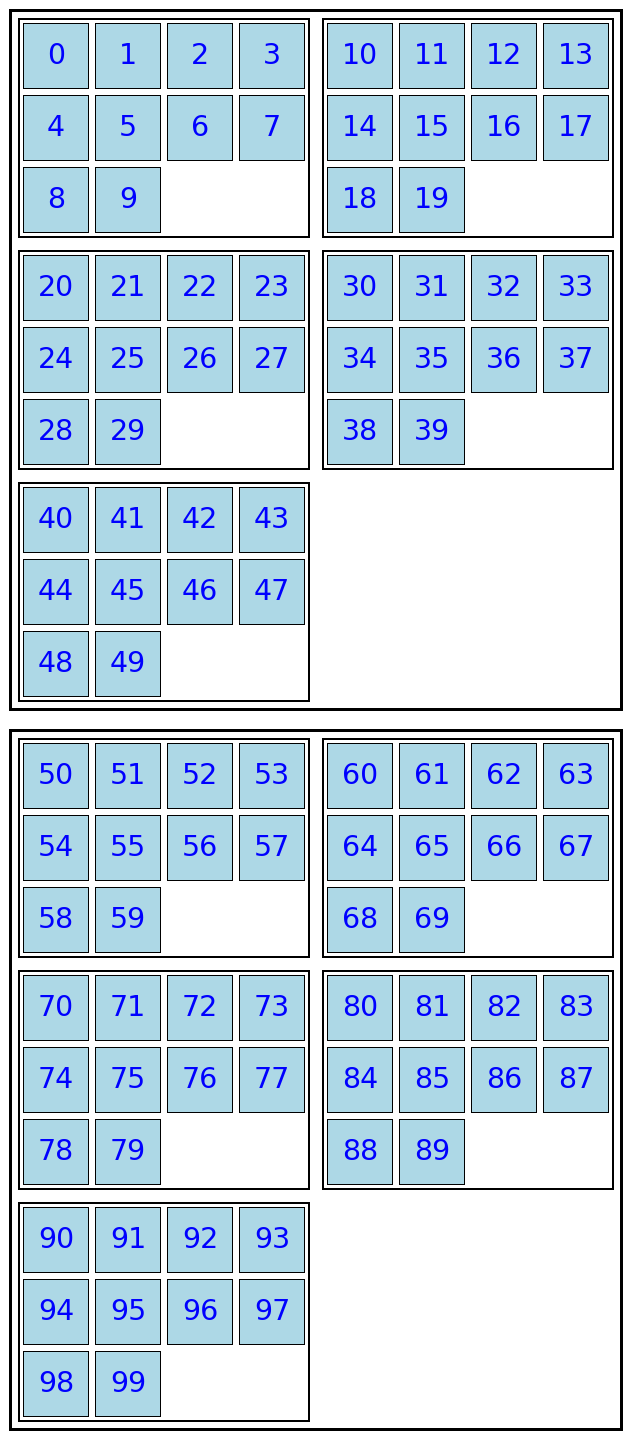
hyperimages = number_images.reshape(2, 5, 10, 64, 64, 3)
lo(hyperimages)
array[2, 5, 10, 64, 64, 3] n=1228800 x∈[0., 1.000] μ=0.784 σ=0.171lo(hypertile(hyperimages)).rgb